
Identify which Titan device is named
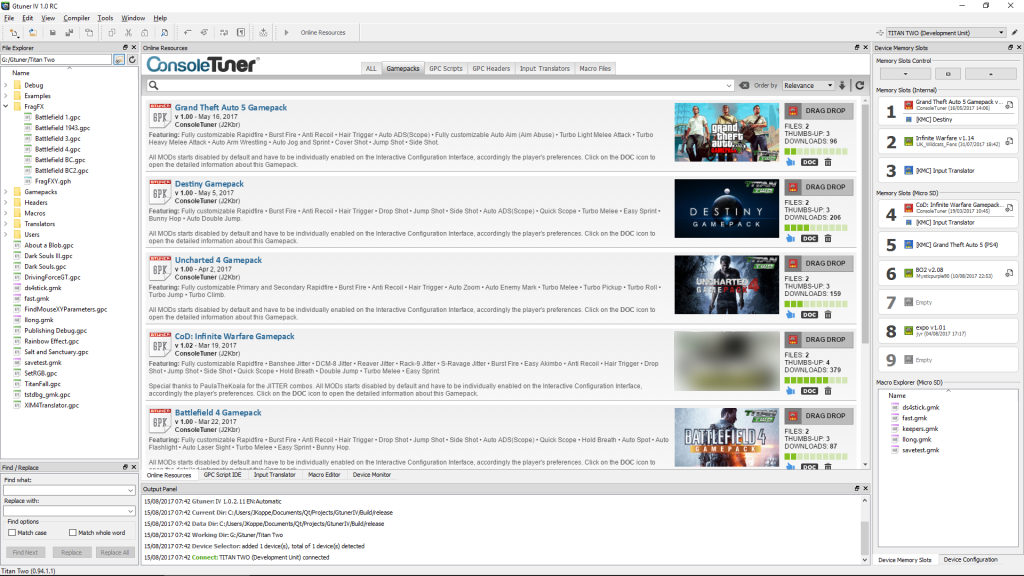
ConsoleTuner documents Titan One and Titan Two as separate devices. Gtuner Pro is its Titan One software and Gtuner IV is its Titan Two software. A title that says only “Titan” leaves that distinction unresolved. Ask for the exact model or the stated target of the downloadable work.
A console name is also incomplete. Controller input, adapter output and host requirements are separate questions. For example, a file described as a host companion can have requirements of its own even when the adapter and controller are compatible.
Review permissions before installing a companion app
Find the app’s published documentation and identify the source it can capture, whether capture is local or sent elsewhere, and whether the app can be used without granting broader permissions. An app that reads an entire display may see other windows as well as the game. Check the privacy description and supported install source before granting access.
For an illustrative comparison, Listing A names Titan Two and supplies an author’s page, a documented file and a list of prerequisites. Listing B names only “Titan”, offers an unsigned executable and gives no explanation for full-display access. A has clearer provenance for inspection. Compatibility and publisher permission would still need independent evidence.
Check what the seller can actually demonstrate
Ask whether the seller can show the actual package contents and which documented component each file belongs to. A gameplay clip leaves those questions open. Track accounts, subscriptions and third-party dependencies separately from the purchase price. Treat claims such as “all consoles” or “works in every mode” as unresolved until they can be checked against platform documentation and the game publisher’s own policy.
Sources
Titan Two AI publishes these guides independently. ConsoleTuner makes the Titan Two device and Gtuner IV.