
Create a dependency inventory
Record the main source file, any included GPC headers, and any accompanying Input Translator, macro or configuration files. Read the author’s notes for references to separately published files. ConsoleTuner’s Online Resources lists GPC scripts, headers, translators and miscellaneous works as separate categories, so finding a script entry does not establish that it contains every dependency.
Keep a copy of the project’s original layout. A header can hold platform identifiers or shared behavior that affects more than one file. Moving or replacing it before you know its purpose makes later comparisons harder.
Check the original build on a copy
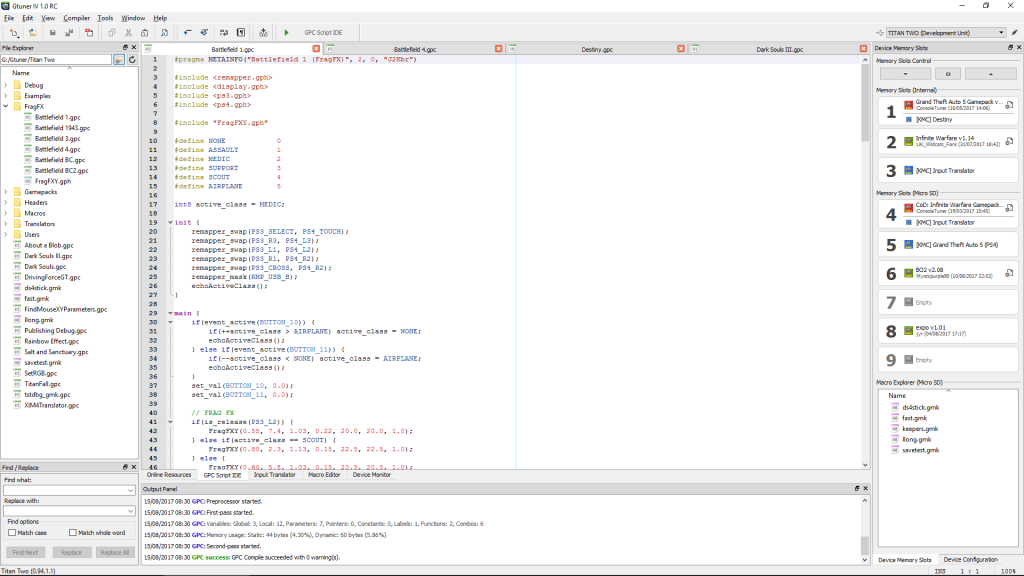
In Gtuner IV open a copy and use the Compile command. Review the Output panel and record the warnings or the first error. Leave the memory slots untouched during this check. After an edit, compile the copy again and compare its output with the baseline.
For an isolated editor exercise, create a separate GPC file with the example below. It sets one named controller output to zero and leaves all other entries alone. Compile it, then remove the semicolon in the copy and compile again. The second version should produce a diagnostic. Restore the semicolon and recompile before moving on. This experiment can be performed without sending inputs to a game.
main {
    set_val(BUTTON_16, 0.0);
}
Write expected input and output before a hardware test
If you have a Titan Two connected, use a local controller diagnostic to verify the one-button example. Identify which physical control corresponds to BUTTON_16 in Gtuner IV’s input reference. With a neutral slot, press and release that control once and record the incoming and outgoing states. Test the example separately, using a temporary setup you can restore without overwriting your original slot.
For this example, the expected observation is a physical press on the input side while that named output remains at zero. Press one other button and verify that it behaves as it did in the neutral setup. Save your actual observations alongside the code and return to the neutral configuration after the check.
Sources
Titan Two AI publishes these guides independently. ConsoleTuner makes the Titan Two device and Gtuner IV.